Guide
Document Scanning for NHS Organisations
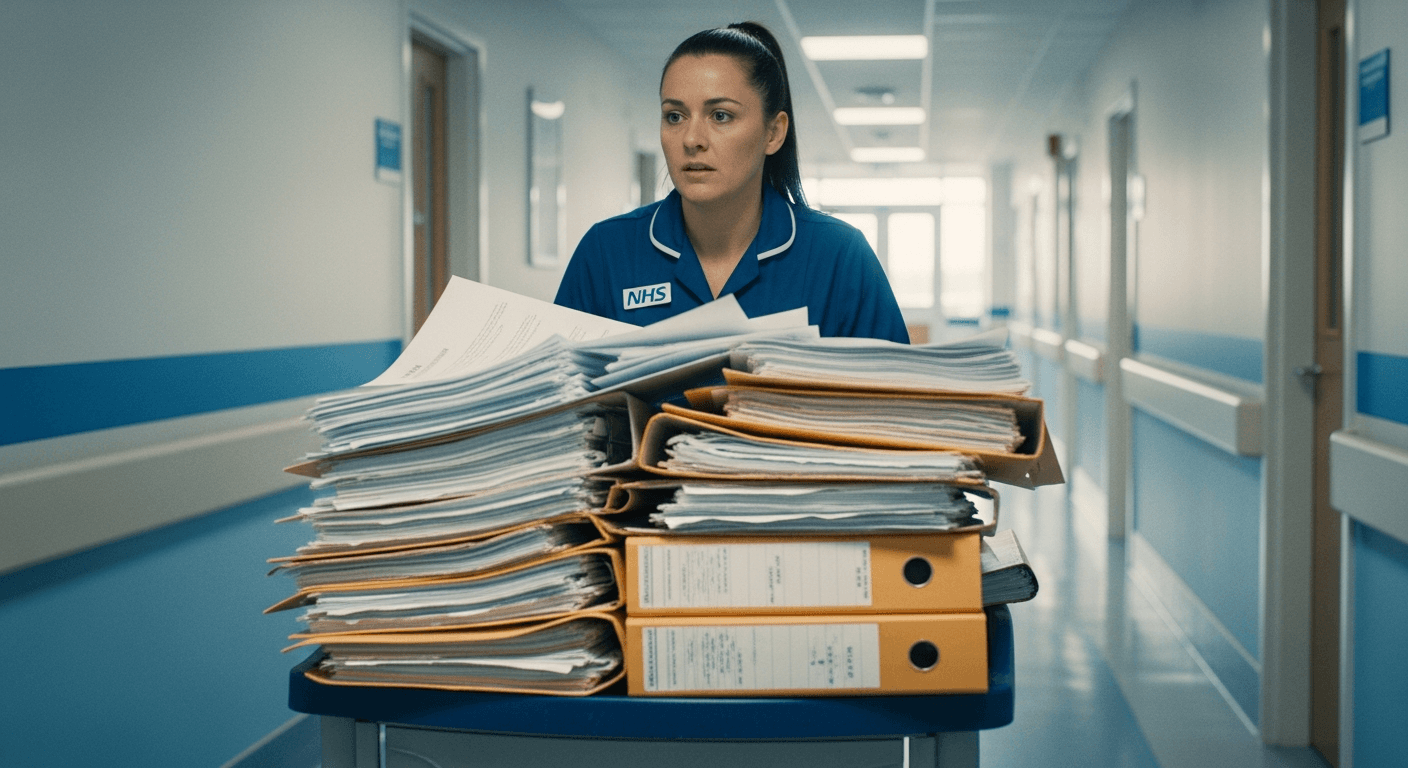
NHS organisations face a unique combination of pressures: immense paper volumes, strict information governance requirements, limited IT budgets, and regulatory scrutiny from CQC. This guide covers the regulatory framework, practical implementation steps, and technology choices for NHS document scanning projects.
NHS Records Management Code of Practice 2021
The NHS Records Management Code of Practice (2021 edition) replaced the previous 2006 version and is the primary guidance document for managing records across the NHS in England. It applies to NHS trusts, foundation trusts, clinical commissioning groups (now Integrated Care Boards), GP practices, and any organisation delivering NHS-funded care.
The Code establishes key principles for document scanning:
- Digital equivalence: A scanned copy of a paper document has the same evidential weight as the original, provided the scanning process is quality-assured
- Retention schedules: Minimum retention periods for over 100 record types, from patient clinical records to corporate governance documents
- Destruction authority: Paper originals may be destroyed after scanning, but only with documented authorisation and a destruction log
- Provenance: The scanning system must record who scanned the document, when, and the quality assurance steps taken
Data Security and Protection Toolkit (DSPT)
Every NHS organisation and supplier handling NHS data must complete the DSPT annually. The toolkit replaced the old IG Toolkit and aligns with the National Data Guardian's ten data security standards. For document scanning, the relevant DSPT assertions include:
- Standard 1: Personal confidential data is only accessible to staff who need it — scanning systems must enforce role-based access
- Standard 3: All access to personal confidential data is logged — the scanning system must maintain audit trails
- Standard 7: IT systems are kept up to date — scanning hardware and software must receive security patches
- Standard 9: IT systems are protected from cyber threats — network scanners must sit behind appropriate firewalls and use encrypted connections
When selecting a scanning solution, ensure the vendor can provide evidence of compliance with these standards. For cloud destinations like SharePoint Online, Microsoft's NHS Data Security and Protection Toolkit submission covers the platform — you need to demonstrate compliant configuration and usage.
CQC and Document Management
The Care Quality Commission assesses document management as part of its "Well-Led" key question. CQC inspectors look for evidence that records are accurate, complete, legible, and accessible to those who need them. A well-implemented digital scanning system strengthens CQC evidence because:
- Every document has a clear audit trail showing when it was created, modified, and by whom
- Records are instantly retrievable — no delays from pulling physical files
- Version control prevents confusion between draft and final documents
- Access controls demonstrate that confidential information is appropriately protected
Scan-to-SharePoint for NHS
Many NHS organisations now use Microsoft 365, including SharePoint Online, through the NHS Microsoft agreement. SharePoint provides a natural destination for scanned documents, particularly for non-clinical records: HR files, governance documents, policies, meeting minutes, estates documentation, and procurement records.
For clinical records, the primary destination remains the EPR (electronic patient record) system — EMIS, SystmOne, or the trust's EPR. However, SharePoint can complement clinical systems by storing departmental documents, clinical audit records, training evidence, and CQC preparation documentation.
A PC-free scanner with direct SharePoint connectivity simplifies the workflow for administrative staff. No need to log into a PC, open scanning software, navigate to the correct folder — the scan profiles are pre-configured on the scanner's touchscreen.
Implementation Steps for NHS Scanning Projects
- Audit current paper volumes: Quantify the backlog (linear metres of paper) and daily incoming paper volume. This determines scanner specification and project timeline.
- Map document types to destinations: Clinical documents go to the EPR; administrative documents go to SharePoint; HR records may go to a dedicated HR system.
- Define quality assurance process: Who checks scanned images? What's the escalation route for poor-quality scans? Document this before scanning begins.
- Configure retention policies: Align SharePoint retention labels with the NHS Records Management Code of Practice schedules.
- Train staff: Reception, medical records, admin teams, and clinicians all need role-appropriate training.
- Run a pilot: Start with one department or document type. Resolve issues before scaling.
- Scale and monitor: Roll out to remaining departments. Monitor scanning volumes, quality rejection rates, and user adoption.

Choosing the Right Scanner for NHS
NHS environments need scanners that are reliable, easy to use without IT support, and secure. Key selection criteria:
- PC-free operation: Staff walk up, scan, and walk away. No PC login, no driver issues, no desktop software to maintain
- Touchscreen interface: Pre-configured scan profiles for each document type — reception staff shouldn't need to make decisions about file format or destination
- ADF capacity: 50+ sheets minimum for batch scanning of patient folders
- Duplex scanning: Most medical correspondence is double-sided
- Network connectivity: Ethernet for reliability; WiFi for flexibility in clinical areas where network points are scarce
Explore NHS scanning solutions
See how Scan2DMS supports healthcare document management.
Healthcare SolutionsGet in Touch