Guide
Medical Records Scanning UK

Paper medical records are a liability — they slow down patient care, take up valuable clinical space, and create GDPR risk every time a file is misplaced. Scanning medical records into a structured document management system solves all three problems, but healthcare scanning comes with unique regulatory requirements that general-purpose advice doesn't cover.
Why Scan Medical Records?
A typical GP surgery holds 8,000–12,000 Lloyd George envelopes. Each patient folder averages 50–100 pages. That's 400,000–1,200,000 pages of paper occupying rooms that could be used for clinical consultations. Beyond space, paper records create direct risks: misfiled blood results, lost referral letters, illegible handwritten notes that delay treatment decisions.
Digitised records are instantly searchable, accessible from any consulting room, and backed up automatically. When a patient calls with an urgent query, reception staff retrieve the relevant document in seconds rather than pulling a physical file from storage.
NHS Records Management Code of Practice
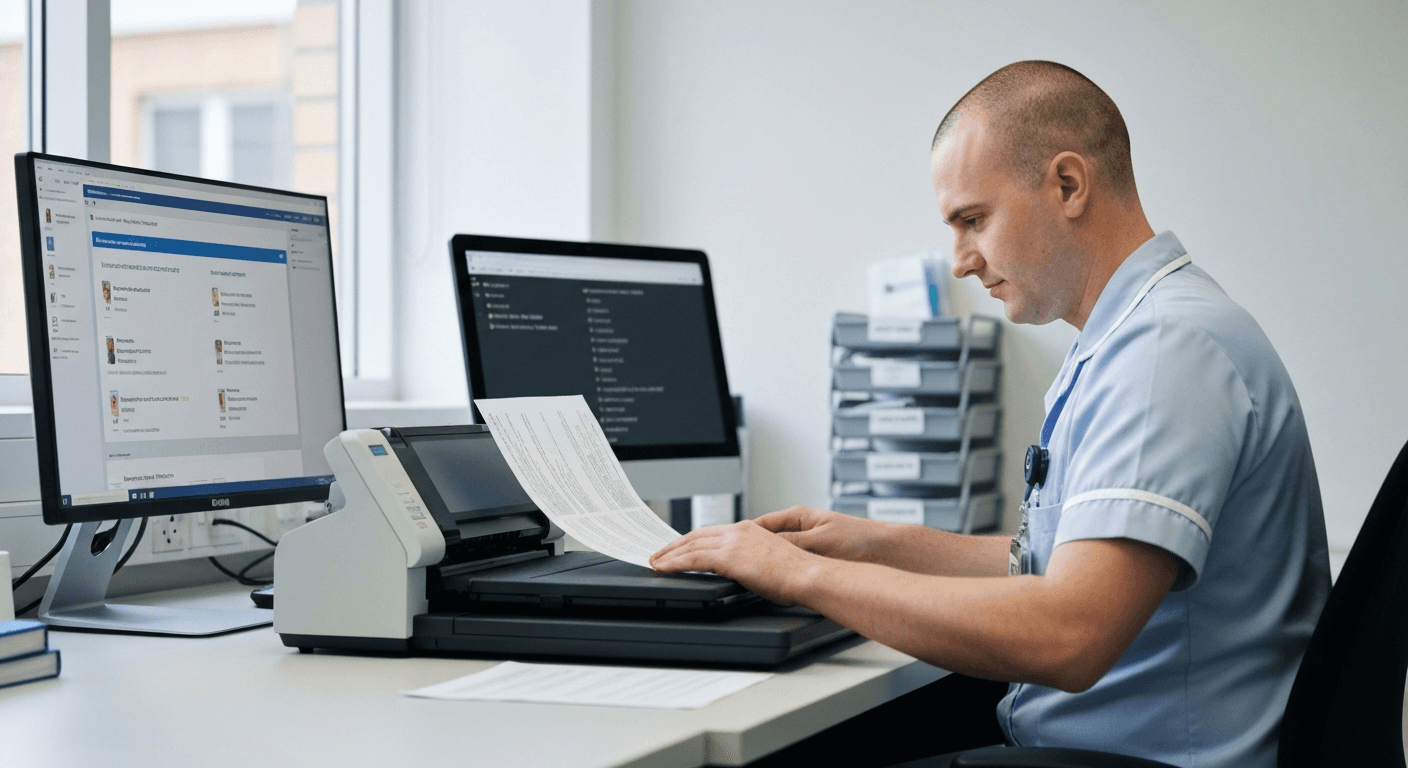
The NHS Records Management Code of Practice (updated 2021) is the authoritative framework for managing health records in England. It applies to all NHS organisations and sets minimum retention periods for every category of health record. The Code explicitly permits digital records as replacements for paper originals, provided the scanning process meets defined quality standards.
Key requirements for scanning under the Code:
- Quality assurance: Scanned images must be checked for completeness, legibility, and correct patient association before the paper original is destroyed
- Colour fidelity: Where clinical significance depends on colour (e.g. pathology reports, wound photographs), scanning must preserve colour accurately
- Metadata: Each scanned document must be tagged with patient identifier (NHS number), document type, date of origin, and date of scanning
- Audit trail: The scanning system must log who scanned the document, when, and any quality checks performed
GDPR and Patient Data
Medical records are "special category data" under UK GDPR — the highest sensitivity classification. Scanning doesn't change the data's classification, but it does change the access controls. Digital systems must enforce role-based access: reception staff see demographics and appointments; clinicians see the full clinical record; administrative staff see only what they need for their role.
Scanning also simplifies Subject Access Requests (SARs). Under GDPR, patients can request all data held about them within 30 days. With paper records, this means hours of photocopying. With a digital system, a search by NHS number returns every document instantly.
Retention Periods for Medical Records
The NHS Records Management Code of Practice sets minimum retention periods that vary by record type:
- Adult GP records: 10 years after death or after the patient leaves the practice, with a minimum retention of 10 years
- Children's records: Retain until the patient's 25th birthday, or 26th if the record was made when the child was 17 — whichever is later
- Maternity records: 25 years after the birth of the last child
- Mental health records: 20 years after no further treatment, or 8 years after death
- Oncology records: 30 years after conclusion of treatment
A digital DMS with automated retention policies flags records approaching their destruction date and prevents premature deletion — something impossible to manage reliably with paper.
GP Surgery Scanning Workflow
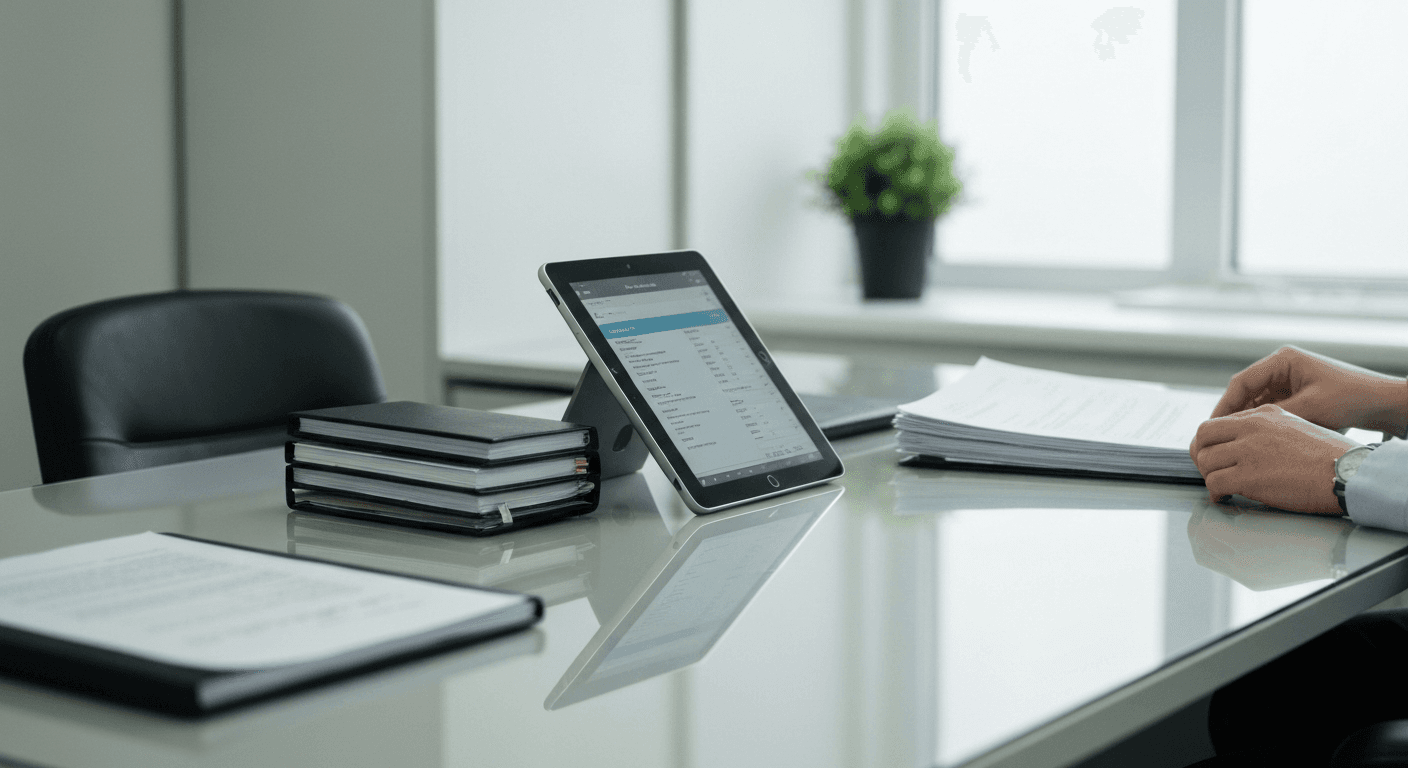
The most effective workflow for GP surgeries is to scan at the point of entry. When post arrives — referral letters, hospital discharge summaries, pathology results — it's scanned immediately by reception before being routed to the appropriate clinician for action.
A PC-free network scanner at reception is ideal for this. The receptionist selects the patient from the touchscreen, chooses the document type (correspondence, results, referral), and feeds the paper. The scanned document appears in the patient's digital record within seconds. No PC login, no driver issues, no desktop software to maintain.
For the backlog of existing Lloyd George envelopes, practices typically run a parallel scanning project: one patient folder at a time, scanned in batch, quality-checked, then the paper filed in a "scanned" storage area until the retention period expires.
Integration with Clinical Systems
Scanned documents must integrate with the practice's clinical system to be useful. The major UK clinical systems all support document attachment:
- EMIS Web: Supports document attachment via the EMIS document management module. Scanned documents are linked to the patient record and visible in the clinical consultation view.
- SystmOne (TPP): Offers built-in document management. Scanned documents can be imported and attached to the patient record with appropriate coding.
- SharePoint / OneDrive: For non-clinical administrative documents (HR files, practice policies, CQC evidence), SharePoint provides a structured DMS with version control and access management.
The scanning workflow should route clinical documents to the clinical system and administrative documents to SharePoint — two separate scan profiles on the same scanner.
Frequently Asked Questions
Can I destroy paper records after scanning?
Yes, provided the scanning meets the quality standards in the NHS Records Management Code of Practice. The scanned image must be verified as complete, legible, and correctly filed before the paper is destroyed. Maintain a destruction log.
Do I need to scan in colour?
Scan in colour where clinical significance depends on it — pathology reports with colour-coded results, wound photographs, annotated diagrams. For standard correspondence and typed documents, greyscale is sufficient and reduces file sizes significantly.
What resolution should I scan at?
300 DPI is the standard for medical records scanning. This provides clear, legible images for both printed text and handwritten notes. 200 DPI is acceptable for typed documents only; 600 DPI is rarely needed unless scanning very small print.
How long does it take to scan a GP practice's backlog?
A typical 8,000-patient practice with an average of 75 pages per patient folder holds around 600,000 pages. At 60 pages per minute (duplex), a dedicated scanner processes approximately 28,800 pages per day. That's roughly 4–5 weeks of full-time scanning for the entire backlog, though most practices spread this over several months alongside daily scanning of incoming documents.
Is outsourced scanning better than in-house?
Both approaches work. Outsourced bureau scanning is faster for large backlogs but involves transporting patient records off-site, which requires a data processing agreement and secure chain of custody. In-house scanning keeps records on-site and is better for ongoing day-forward scanning. Many practices use outsourced scanning for the backlog and in-house scanning for daily intake.
Ready to digitise your medical records?
See how the Plustek eScan handles healthcare scanning workflows.
View the eScan A450 ProHealthcare Solutions